Written by: Kelly Campbell, Vice President of Marketing, Stayntouch
Key Takeaways for Independent Hotel Mobile Check-In
-
Independent hotels can deliver mobile check-in through a PMS with native mobile workflows, digital key integrations, and payment gateways, with no brand app required.
-
Guests complete registration, ID verification, and payment pre-authorization via a web link sent by email or SMS, often reaching 30-second check-in times.
-
A three-way arrival model (mobile, kiosk, staff-assisted) lets each guest choose their preferred path and reduces staff-assisted check-ins by 54%.
-
Implementation readiness depends on two-way PMS connectivity, certified door-lock integrations, secure payment tokenization, and real-time housekeeping status updates.
-
See how Stayntouch delivers mobile check-in without a brand app in a live demonstration.
How Mobile Check-In Works for Independent Hotels
The operational gap for independent hotels is clear. Major brands like Hilton and Marriott deliver mobile check-in through proprietary loyalty apps backed by centralized infrastructure. Independent hotels have no equivalent. Without a PMS that supports mobile workflows natively, hotels must rely on expensive standalone apps with low adoption or manual front-desk processes that create lobby queues.
This gap affects guest experience, staff efficiency, and revenue. About 43% of luxury travelers expect not to wait in line at all when arriving at a hotel. Traditional hotel check-in takes 5 to 8 minutes per guest, while pre-registered guests need only identity validation and key handoff. Mobile check-in also creates a natural moment to present room upgrades, early check-in, late checkout, and amenity packages.
Brand-app solutions require a download step that most guests skip. Real-world adoption rates for independent property apps remain between 2% and 5%, even with active promotion. PMS-integrated mobile check-in delivered via a web link, with no app download required, removes that friction entirely. The guest receives a pre-arrival email or SMS with a link, completes registration in their browser, and proceeds directly to their room. This web-based approach requires a PMS designed specifically to support it.
Stayntouch PMS is built mobile-first, with native support for web-based mobile check-in, kiosk check-in, and staff-assisted check-in from a tablet anywhere on property. Guests complete mobile check-in in 30 seconds, according to Stayntouch customer data.
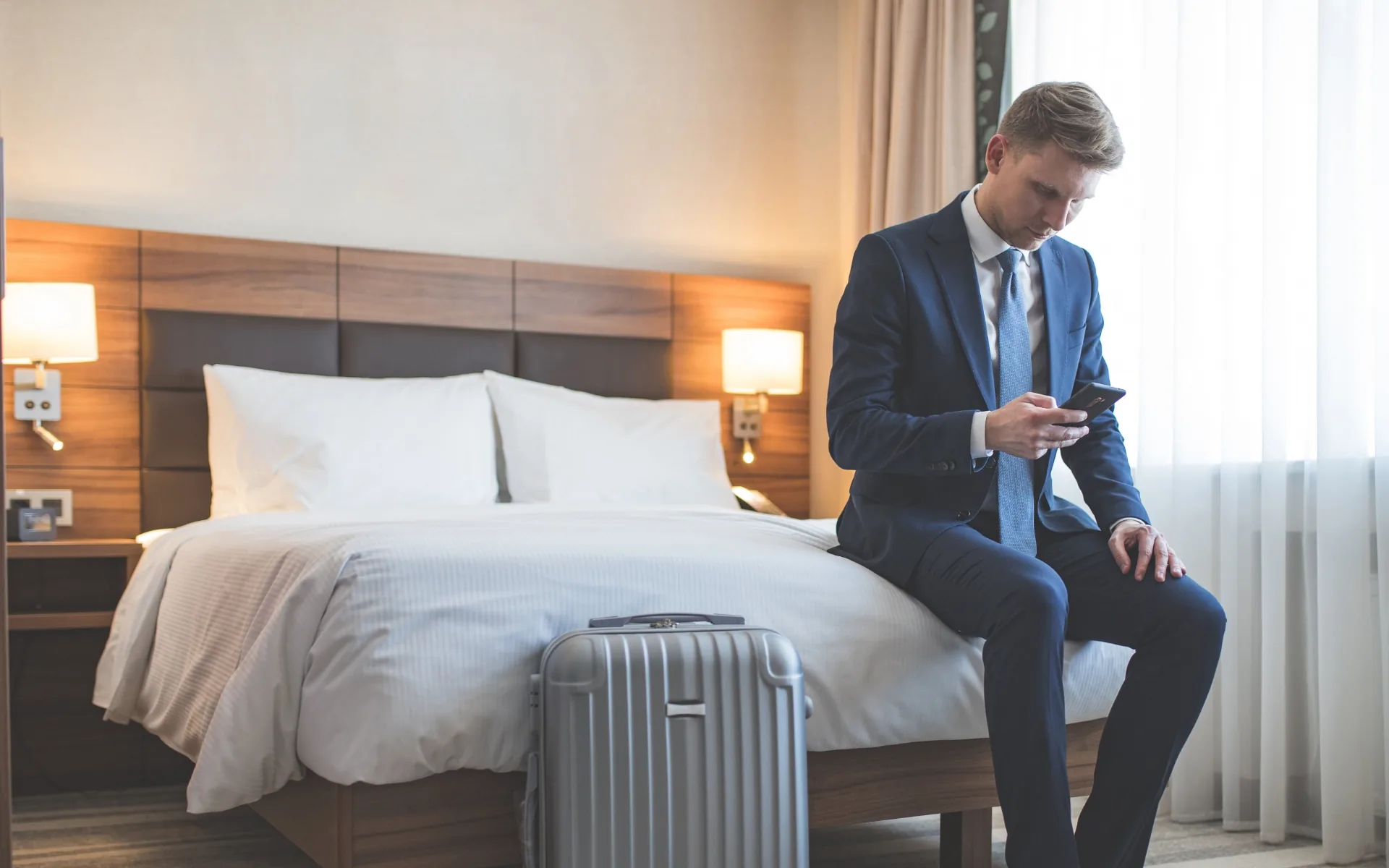
Experience the 30-second check-in workflow firsthand in a live Stayntouch demonstration.
Step 1: Verify PMS Connectivity and Core Integrations
Mobile check-in depends on real-time, two-way PMS connectivity. Arrival workflows require instant updates to reservation data, mobile key issuance, and guest lifecycle events, because batch sync is too slow. Before configuring any guest-facing workflow, confirm the technical and operational foundation.
Start with the core infrastructure. Two-way PMS integration is non-negotiable. The mobile check-in system must read reservation data from the PMS and write back check-in completion status, guest profile updates, and payment authorizations. This bidirectional flow enables the next requirement: digital key compatibility. Confirm your door lock vendor, such as ASSA ABLOY, Salto, dormakaba, or VingCard, has a certified integration with the PMS. Door-lock integration failures can leave guests who have completed check-in unable to access their rooms, which undermines trust in the entire system.
With the PMS and lock system connected, address payment and compliance. Configure secure tokenization, which replaces a real card number with a substitute value so it is never stored in the system, and set up pre-authorization before go-live. Most jurisdictions also require government ID collection at check-in. Confirm your PMS supports ID scanning and that data storage meets local privacy requirements.
Finally, resolve cross-department dependencies. Housekeeping room status must sync in real time so digital keys are issued only after a room is confirmed clean and inspected. Without this connection, the technical stack may work, but operations remain unreliable.
Stayntouch connects to 1,400+ integrations at no additional cost for the integration itself. Hotels pay each third-party platform its own fee, while Stayntouch charges nothing for the connection. This includes certified integrations with major door lock vendors, payment gateways, and identity verification tools, which removes the budget negotiation that legacy platforms impose on every new connection.
Step 2: Build the Mobile Check-In and Digital Key Flow
Once PMS readiness is confirmed, configure the guest-facing workflow. A standard mobile check-in sequence usually follows this pattern.
-
Guest receives a pre-arrival link 24–48 hours before arrival via email or SMS.
-
Guest verifies reservation details, accepts terms and conditions, and completes payment pre-authorization.
-
Guest submits a government-issued ID via the device camera, with an optional liveness check.
-
On the day of arrival, once the room is marked clean in the PMS, the system issues a digital key automatically.
-
Guest proceeds directly to their room.
Configure which fields are required versus optional, set the pre-arrival message timing, and define the escalation path for exceptions such as ID verification failure, card decline, or room not ready. Properties that use well-timed and personalized pre-arrival messaging often achieve high online check-in completion rates.
Stayntouch supports open-stack digital key integrations, so the hotel chooses its preferred lock vendor rather than being restricted to a single provider. The webhook architecture, which pushes data the moment something happens, notifies the lock system the instant a guest checks in, without polling delays.
Step 3: Offer Three Arrival Paths Guests Actually Want
Mobile check-in works best as an additional arrival path, not a replacement for every other option. Guest preferences vary significantly. Business travelers who are frequent and loyalty-enrolled often prefer digital check-in more than leisure travelers. A three-way model serves all segments at the same time.

-
Mobile check-in: Guests complete registration and receive a digital key before arrival. No front-desk stop is required.
-
Kiosk check-in: Guests who prefer a physical interaction but not a queue use a self-service kiosk in the lobby. The Stayntouch Kiosk includes an integrated credit card reader and key encoder, supports ID scanning and facial recognition, and completes check-in in under a minute.
-
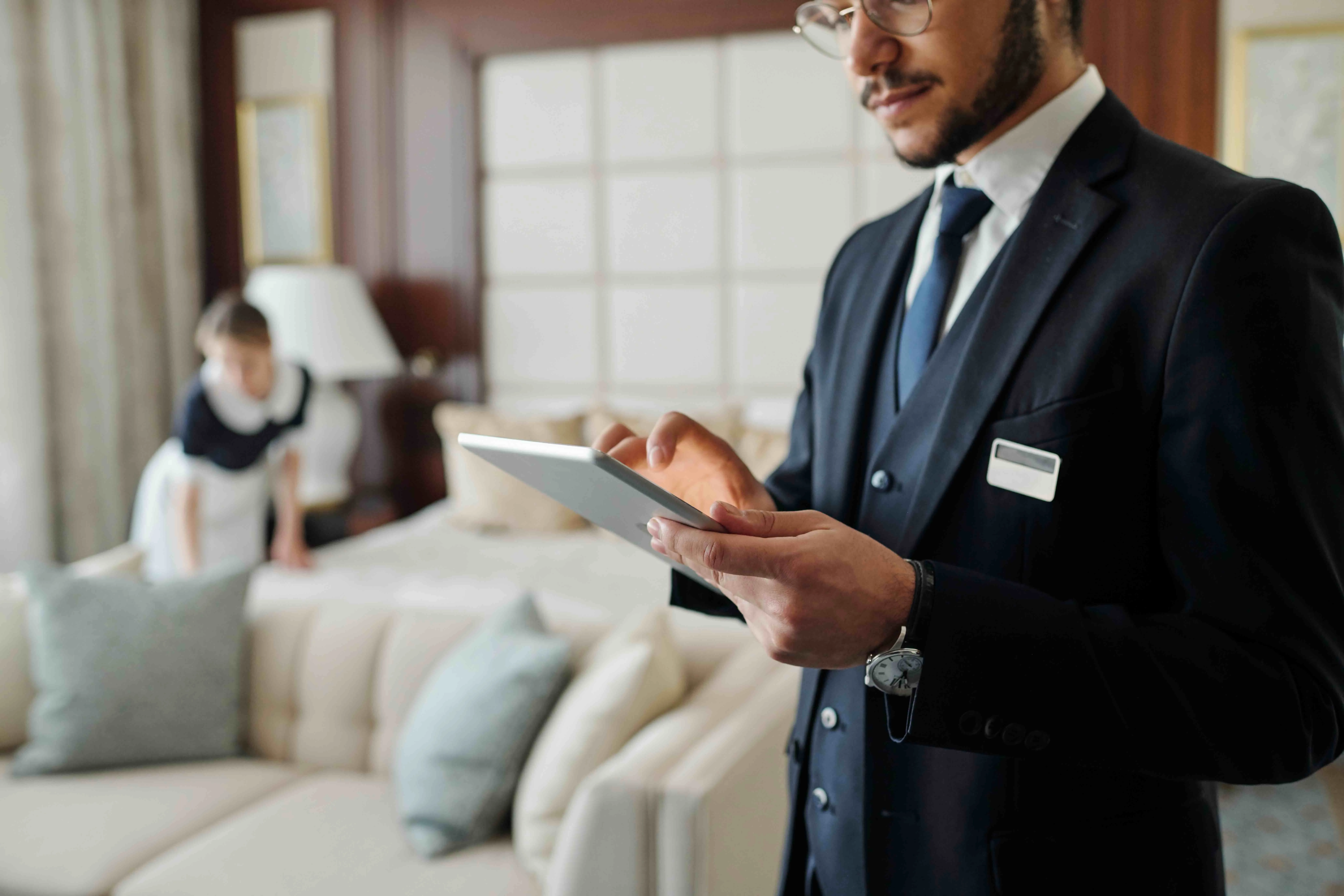
Staff-assisted check-in: Staff greet guests anywhere on property using a tablet, not from behind a fixed desk. This path serves guests who want a personal welcome, have complex requests, or encounter issues with the self-service options.
All three paths run simultaneously from the same PMS. The hotel does not choose one model. It offers all three and lets each guest decide. According to Stayntouch customer data, this approach reduces staff-assisted check-in by 54%, which frees front-desk teams for higher-value guest interactions.
Step 4: Train Staff for Exceptions and Guest Conversations
Staff training for mobile check-in focuses more on exception handling and guest communication than on the technology itself. The two-hour front desk training on Stayntouch PMS covers reservation management, check-in and checkout workflows, and room assignment. Staff then need additional briefing on three specific scenarios.
-
Guests who did not complete mobile check-in: Direct these guests to the kiosk or complete staff-assisted check-in on a tablet. Avoid creating a secondary queue.
-
Digital key failures: Maintain a physical key card backup process. In hotel mobile key programs, only about 10–14% of guests actually use the phone key, so physical cards remain a standard part of operations.
-
ID verification issues: Define a clear escalation path to a staff member with authority to resolve the issue without the guest re-queuing.
Stayntouch Academy provides self-paced eLearning with test environments, certifications, and progress tracking, so new hires can complete training without scheduling a trainer. In an industry where staffing effects from mature mobile check-in programs are rarely a direct headcount reduction, because most properties redeploy front-desk staff to higher-touch service roles, the ability to hire for guest-facing personality rather than technical aptitude becomes a genuine operational advantage.
See how Stayntouch Academy trains your team in hours, not days.
Step 5: Test the Full Journey with Live Scenarios
Test the complete guest journey before launch using real reservations on a staging environment. Cover the following scenarios.
-
Standard mobile check-in from pre-arrival link to digital key issuance.
-
Kiosk check-in with physical key encoding.
-
Staff-assisted check-in on a tablet.
-
Exception cases such as ID verification failure, card decline, and room not ready at arrival time.
-
Late arrival after midnight, when room status and staffing configurations may differ.
-
Group reservations with multiple guests on a single booking.
PMS integration failures can result in guests being assigned to dirty rooms or check-ins failing to register in the backend system. Testing the housekeeping-to-PMS-to-digital-key chain is the highest-priority check before go-live. Confirm that a digital key is issued only after a room is marked inspected, not merely clean.
Allow at least one week of testing before the public launch date. Involve front desk, housekeeping, and management in the test phase so every team understands the new workflow from their own perspective.
Step 6: Drive Adoption with Clear Guest Communication
Adoption rises when guests receive clear pre-arrival communication. Active pre-arrival communication and promotion can significantly increase mobile check-in usage.
Effective launch communication usually includes the following elements.
-
A pre-arrival email sent 24–48 hours before arrival with a direct link to the mobile check-in flow and a plain-language explanation of what the guest needs to complete.
-
A follow-up SMS reminder for guests who have not completed check-in by the morning of arrival. Sending a reminder to guests who have not yet completed the process can further increase adoption rates.
-
Clear language that presents all three arrival options, mobile, kiosk, and front desk, so guests understand they have a choice rather than a requirement.
-
Lobby signage directing guests to the kiosk and explaining the mobile check-in option for those who missed the pre-arrival message.
Stayntouch Guest Messaging automates pre-arrival SMS and WhatsApp outreach with mobile check-in links, handles real-time two-way translation between staff and guests, and manages the full pre-arrival communication sequence from within the PMS.
Step 7: Track Performance and Refine the Experience
Track the following metrics in the first 30–90 days after launch.
-
Mobile check-in completion rate: Percentage of arrivals who complete mobile check-in before reaching the property. Target 35–55% within 90 days with active pre-arrival messaging.
-
Staff-assisted check-in percentage: Reduction in front-desk transactions as a share of total arrivals.
-
Average check-in time: Measured from guest arrival at the property to room access.
-
Digital key adoption rate: Percentage of mobile check-in completions that result in digital key use.
-
Exception rate: Frequency of ID verification failures, card declines, and escalations to staff.
-
Guest satisfaction scores: Post-stay survey responses that specifically reference arrival experience.
Review these metrics weekly for the first month, then monthly. Adjust pre-arrival message timing, required fields, and exception handling procedures based on what the data shows. Many guests who complete contactless check-in go on to activate the digital key in the same flow, so digital key adoption usually follows check-in completion rather than requiring a separate campaign.
Common Mobile Check-In Issues and Fixes
Three issues arise most frequently in the first 90 days of mobile check-in operation.
Inconsistent digital key delivery. The most common cause is a timing gap between housekeeping marking a room clean and the PMS triggering key issuance. The practical fix is to confirm that the housekeeping-to-PMS status update uses a real-time webhook rather than a scheduled sync, and that key issuance is triggered by the inspected status, not the clean status.
ID verification friction. Document image-of-image fraud accounts for 63% of rejected IDs overall according to Socure’s 2023 data, and AI-driven identity attacks are increasing. For most independent hotels, the practical fix is to use an ID scanning solution that cross-references OCR data against the document’s encoded barcode, and to define a clear staff escalation path for failures rather than blocking the guest entirely.
Staff adoption resistance. Staff who were not involved in the testing phase often default to directing all guests to the front desk. The fix is to include front-desk staff in the testing phase, share adoption metrics with the team weekly, and frame mobile check-in as a tool that removes transaction processing from their workload, not a replacement for their role.
Advanced Strategies for Scaling and Revenue
Once the core mobile check-in workflow is stable, three areas usually offer meaningful returns.
Upsell placement inside the mobile flow. The pre-arrival check-in sequence is the highest-intent moment in the guest journey. Room upgrades, early check-in, late checkout, and amenity packages presented at this point convert at materially higher rates than post-arrival offers. According to Stayntouch customer data, automated upsells have driven return on investment increases of up to 240% on mobile and up to 120% on kiosk at individual properties. These are standout cases, not averages.
Multi-property rollout. For hotel groups, the configuration built for the first property becomes a template for subsequent deployments. Stayntouch’s multi-property dashboard allows central configuration to be pushed to every property in the portfolio. Mobile check-in workflows, pre-arrival message templates, and digital key settings can be standardized across the group from a single login.
ID scanning and facial recognition. For properties in jurisdictions where biometric verification is permitted and guests have given explicit consent, adding facial recognition to the kiosk or mobile flow reduces exception rates and speeds up the identity verification step. Stayntouch stores ID images encrypted in the same AWS region as the hotel’s PMS instance and deletes them automatically 30 days after checkout.
See how multi-property groups deploy mobile check-in in 30–45 days.
Frequently Asked Questions
How long does it take to implement mobile check-in on Stayntouch PMS?
A single property typically goes live within approximately one month using Stayntouch’s structured six-week implementation process. Auto-Configuration reduces property setup from around 30 hours of manual work to 4–5 hours. The Dataloader module migrates legacy guest profiles, group reservations, and company and travel agent profiles in as little as 1–2 hours. Mobile check-in workflows, digital key integrations, and pre-arrival messaging are configured during the implementation process with a dedicated project manager. For hotel groups, a full portfolio usually deploys in 30–45 days.
Does mobile check-in require guests to download an app?
No. Stayntouch delivers mobile check-in via a web link sent by email or SMS, so guests complete registration and receive their digital key in a browser without downloading anything. This is a deliberate design choice. As noted earlier, app download rates for independent properties rarely exceed 5%, while web-based check-in removes that friction entirely. Guests who prefer a physical interaction use the kiosk or check in with a staff member, and all three paths run simultaneously.
What happens when a guest has a problem with mobile check-in?
Every mobile check-in implementation should define a clear exception path before launch. Common issues include ID verification failure, card decline, and room not ready at arrival time. In each case, the guest should be directed immediately to a staff member with the authority to resolve the issue, not re-queued at the front desk. Stayntouch staff can complete check-in on a tablet anywhere on property, so the escalation does not require the guest to wait in line. Staff training on Stayntouch PMS covers exception handling as a core component, and Stayntouch Academy provides ongoing self-paced training for new hires.
Do guests have to use mobile check-in, or can they still check in at the front desk?
Guests always have a choice. Stayntouch supports three simultaneous arrival paths: fully mobile check-in via a web link, self-service kiosk check-in in the lobby, and staff-assisted check-in with a team member on a tablet. No guest is required to use any particular path. The three-way model is designed so that a hotel does not have to choose between automation and hospitality. Guests who want a warm personal welcome receive one, and guests who want to walk straight to their room can do that too. The three-way model reduces staff-assisted check-in by 54%, as noted in Step 3, without eliminating the option.
Is Stayntouch mobile check-in suitable for smaller independent hotels?
Yes. Stayntouch works with hotels of all sizes, including properties under 75 rooms. The full platform trains in 2 days, front desk staff train in 2 hours, and implementation is available fully remote, on-site, or as a combination, which keeps the process accessible regardless of in-house IT resources.
Conclusion: Turning Mobile Check-In into a Daily Habit
Independent hotels can deliver reliable, guest-preferred mobile check-in without a brand app, a locked ecosystem, or a standalone solution that sits outside the PMS. The seven steps in this guide, from confirming PMS and integration readiness through monitoring adoption metrics, outline the complete operational path from decision to live deployment.
The foundation is a PMS that integrates natively with digital key providers, payment gateways, and identity verification tools, and that delivers mobile check-in as part of the core platform rather than as an add-on requiring separate contracts and separate support. Stayntouch is built for this use case. It is cloud-native, mobile-first, and offers access to over 1,400 integrations included in the platform, so independent hotels keep full control of their technology stack. The hotel chooses its door lock vendor, its payment gateway, and its identity verification approach. Stayntouch connects them.
The result is a guest experience that matches what major brands offer, without the brand requirement, and a front desk that spends its time with guests rather than behind a monitor.
See Stayntouch mobile check-in in a live environment.
Read Next
Turn a more connected stack into a better stay.
See how Stayntouch can support the operating moments that matter most to your hotel team.