Written by: Kelly Campbell, Vice President of Marketing, Stayntouch
Key Takeaways
-
A hotel PMS front desk workflow covers every step from pre-arrival reservation management through check-in, stay management, checkout, and post-stay reporting.
-
Modern cloud PMS platforms support automatic two-way channel sync, pre-arrival registration, mobile check-in, and digital keys that reduce staff-assisted check-ins by 54% while improving guest satisfaction.
-
Unified PMS coordination across housekeeping, folio management, and guest requests removes manual data entry, reduces revenue leakage, and increases housekeeping productivity by 25% with mobile task management.
-
Automated night audit, real-time analytics, and comprehensive guest profile logging deliver accurate reporting, personalized marketing, and revenue strategy without overnight manual processes. Book a demo to see a best-in-class PMS front desk workflow in action for your property.
Stage 1: Pre-Arrival and Reservation Management
The guest journey starts long before anyone reaches your lobby. Every reservation booked on your website, through an OTA like Booking.com or Expedia, via a GDS, or over the phone should flow into your PMS automatically through a channel manager. This two-way sync updates room availability across all channels in real time and removes double bookings and manual data entry. When a room sells on one channel, every other channel closes that inventory within seconds.
A well-configured PMS handles several key pre-arrival tasks:
-
Create or update the guest profile. The system builds a central record with contact details, stay history, preferences, and loyalty status. This profile persists across stays and is shared across your portfolio if you operate multiple properties.
-
Automate pre-arrival communication. The PMS sends confirmation emails, pre-check-in links, and upsell offers automatically. Guests can complete registration and payment ahead of arrival, including ID capture, digital registration card signature, and card pre-authorization for incidentals.
-
Prepare for arrival. Staff review the arrivals report, flag VIPs, note special requests such as birthdays, anniversaries, and accessibility needs, and verify room assignments against housekeeping status.
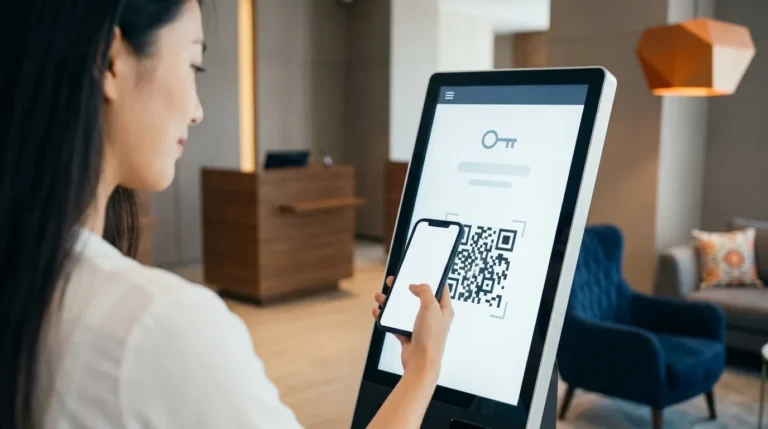
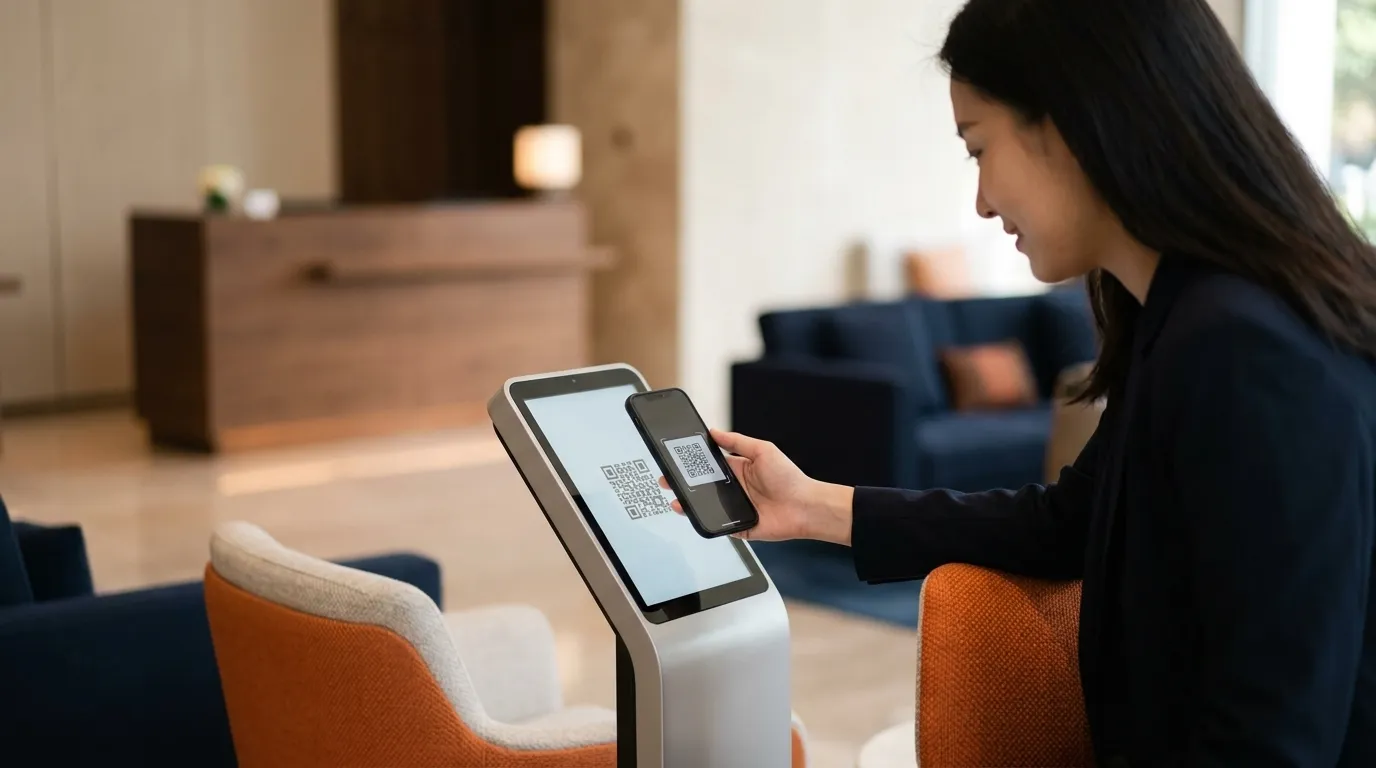
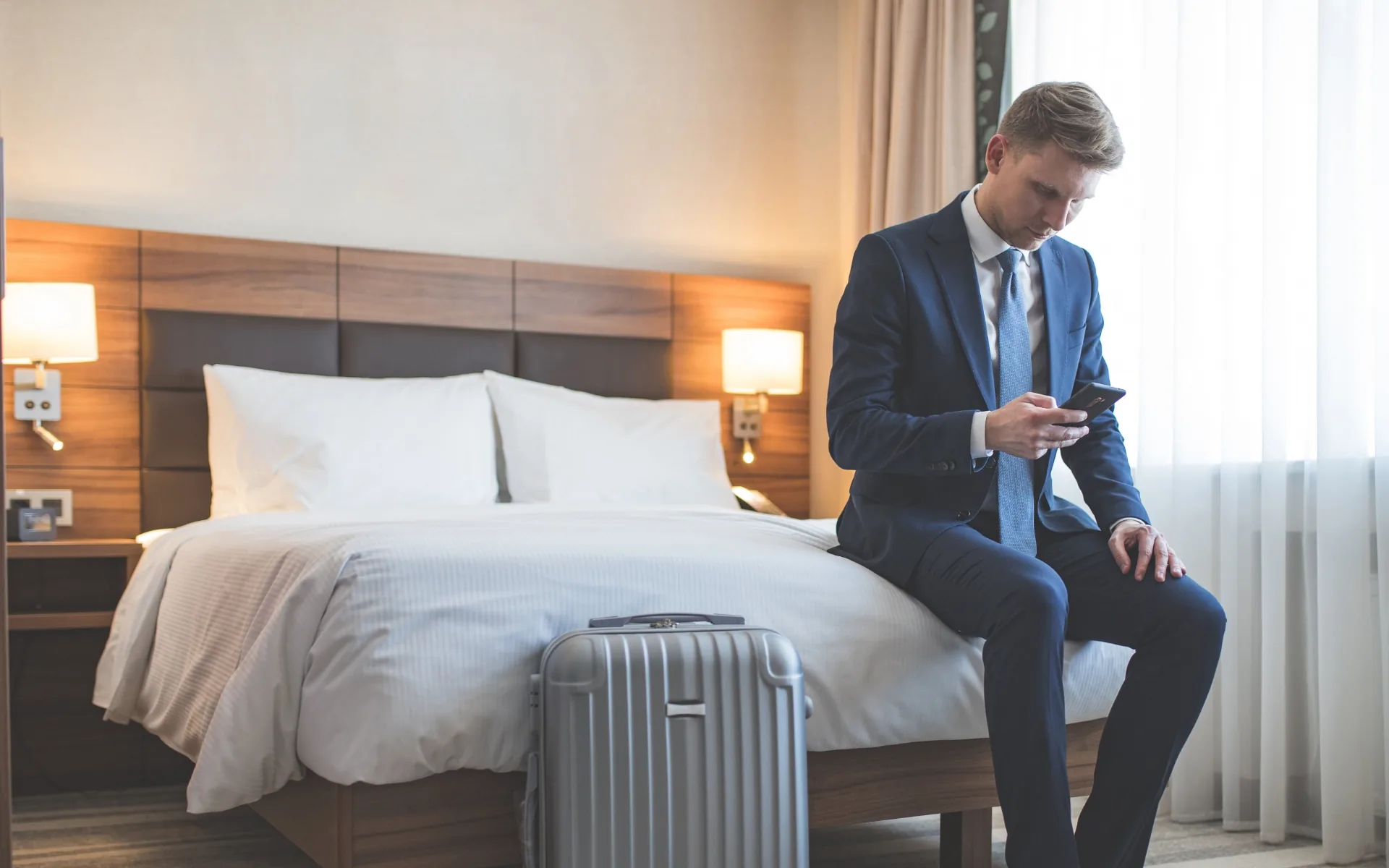
When guests complete registration and payment in advance, they can check in from their phone in about 30 seconds on the day of arrival. With digital keys stored in a mobile wallet, a guest can walk straight from their phone to their door, making the “skip the lobby entirely” promise real, according to Priya Rajamani, VP of Implementation and Support at Stayntouch.
Stage 2: Check-In and Room Assignment
Check-in sets the tone for the stay. A streamlined PMS workflow keeps staff-assisted check-in under two minutes and makes check-in nearly instant for guests who completed pre-arrival registration.

The standard check-in sequence:
-
Locate the reservation. Search by guest name, confirmation number, or OTA booking code from the arrivals list.
-
Verify guest identity. Scan a government-issued ID. Modern systems capture the ID image and pull name, date of birth, and document details directly into the guest profile.
-
Confirm payment method. Process a pre-authorization for room charges plus an incidental buffer. For prepaid reservations, authorize incidentals only. Communicate the hold amount clearly to avoid disputes at checkout.
-
Assign a room. Use the live room status grid to select a room that is inspected and ready. A Clean room status is not ready for assignment. Only an Inspected room should reach the guest. Factor in guest preferences and current occupancy distribution.
-
Issue keys. Provide physical key cards or digital keys sent to the guest’s phone through your door lock integration.
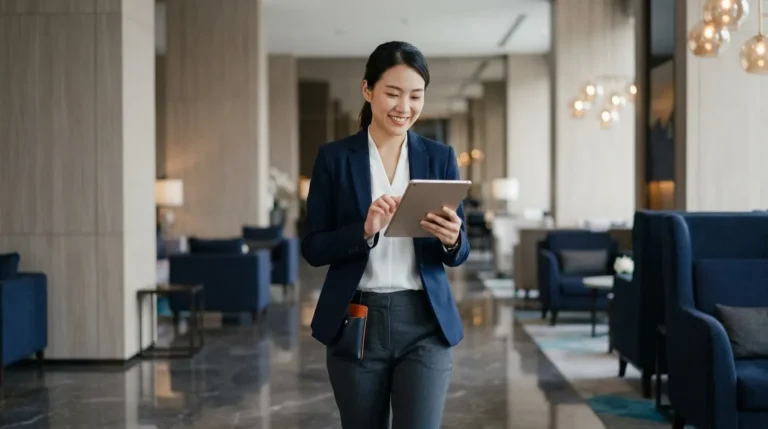
A cloud-native PMS supports three parallel check-in paths: fully mobile check-in from the guest’s phone, self-service kiosk, and staff-assisted check-in via tablet anywhere on property. Guests choose the path they prefer. Staff can step away from the desk to greet guests in the lobby, lounge, or driveway. According to Stayntouch customer data, properties reduce staff-assisted check-in by 54% when they offer all three options. Properties using a kiosk-based digital check-in see up to a 20-point increase in guest satisfaction, according to HotelTechReport.
Stage 3: Managing the Stay
Once the guest is in-house, the PMS coordinates activity across departments. Disconnected systems create friction at this stage, while a unified platform delivers the clearest gains.
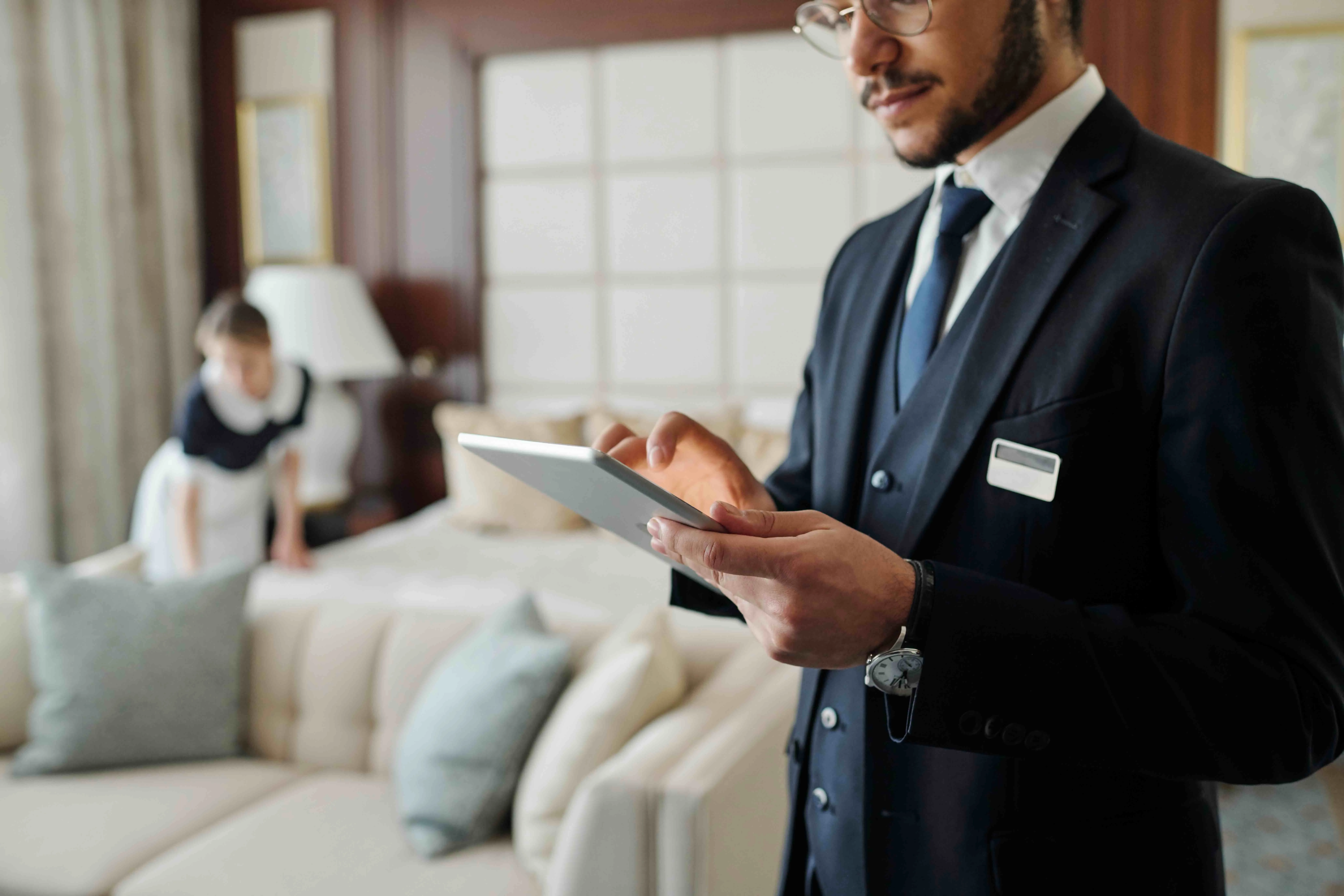
Housekeeping coordination. Room status drives hotel operations. When a guest checks out, the room status updates to dirty and a cleaning task appears in the housekeeping queue. Housekeepers update status from their mobile devices as they work, and the front desk sees the room become available the moment it is released, which removes radio calls and paper lists. Stayntouch customer data shows a 25% increase in housekeeping productivity with mobile task management.
Folio management. The folio is the guest’s running bill. All charges, including room rate, restaurant meals, spa treatments, minibar, and parking, post automatically to the folio through integrated POS systems. This automation prevents manual transfers, missed charges, and revenue leakage.
Guest request routing. An integrated PMS lets front desk teams record, assign, and monitor guest requests systematically, with digital guest profiles attached to each reservation so preferences, notes, and requests travel with the booking and are visible to every agent on every shift. Requests stay visible until resolved, so nothing slips between shifts.
Room moves and stay changes. Guests often need a new room because of noise, view, or maintenance issues. A well-designed PMS completes the move in one action while preserving folio history, rate plan, and reservation details.
Stage 4: Checkout and Billing
Checkout should confirm what the guest already expects. When charges post automatically throughout the stay, the folio is accurate before the guest approaches the desk.
The checkout sequence:
-
Review the folio. Verify that all charges are correct. Address discrepancies immediately with a clear explanation and, when appropriate, a manager-approved adjustment.
-
Settle payment. Process the final balance using the card on file or a new payment method. Handle split bills and group master accounts, where the organizer’s account covers contracted charges and guests pay their own extras, without manual calculation.
-
Send the receipt. Email or SMS the itemized receipt automatically. Digital receipts reduce disputes and give guests a clear record of their stay.
-
Update room status. The room flips to dirty and enters the housekeeping queue automatically, starting the turnaround process for the next arrival.
Offer express checkout options such as folio review via in-room TV or app and keys left in the room for guests who want to bypass the desk entirely. Automated checkout with digital receipts speeds up the morning rush and reduces front desk workload during peak departure hours.
Stage 5: Post-Stay and Reporting
The workflow continues after checkout. The PMS captures data throughout the stay that supports reporting, guest personalization, and revenue strategy.
Night audit. Night audit closes out the day’s transactions, posts room charges and taxes, and rolls the system into the next business day. A modern PMS automates night audit. It runs on schedule, applies occupancy tax and any additional local taxes correctly by jurisdiction, and generates the daily revenue report, arrivals list, and departure list without staff intervention.
Guest profiles. Stay history, preferences, total spend, and special requests log automatically. This data feeds your CRM for loyalty communications and return-booking campaigns.
Analytics. Real-time dashboards track occupancy, average daily rate (ADR), and revenue per available room (RevPAR). Reports on booking source, housekeeping productivity, and outstanding balances generate automatically and arrive on schedule.

Handling Groups, No-Shows, and Other Special Scenarios
Beyond the standard stages, every front desk encounters edge cases that test the workflow. A modern PMS gives you tools to handle these scenarios efficiently.
Group check-ins. A group booking involves a block of rooms held at an agreed rate and filled as attendees confirm. The organizer submits a rooming list, which you upload via CSV. Bulk check-in assigns rooms and processes multiple reservations in one action. Charges route automatically so the organizer’s master account covers contracted items while guests pay their own extras.
Early and late checkouts. Early departures trigger housekeeping notifications automatically. Late checkout decisions should consider occupancy, guest status, housekeeping capacity, and season or demand. Staff record the decision and any charge in the PMS.
No-shows. A no-show occurs when the guest does not arrive and does not cancel. Your PMS should define when to release the room for resale, when to apply the no-show charge, and whether to attempt outbound contact.
Service Standards That Support the Workflow
Technical workflows only succeed when paired with strong service standards. These practices shape how staff execute each step.
The 15-5 rule. This guest-greeting protocol asks staff to make eye contact and acknowledge a guest with a nod or smile at about 15 feet, then offer a verbal greeting within 5 feet. In a PMS workflow, staff spot the arriving guest, acknowledge them immediately, and pull up the reservation before the guest reaches the desk so the greeting comes before the paperwork.
The 5 P’s of hotel management. This framework covers the core levers of hotel operations: People (staff and guests), Product (the physical property and experience), Price (rate strategy and revenue management), Place (distribution channels and location), and Promotion (marketing and direct booking strategy). Your PMS touches all five. It coordinates your people, tracks room status, executes pricing, connects channels, and supports your direct booking engine.
Additional best practices work together to keep the front desk smooth:
-
Pre-assign rooms for arrivals. Configure your PMS to auto-assign rooms based on preferences and housekeeping status the night before. Staff then confirm assignments instead of searching during peak check-in.
-
Use stay restrictions alongside pre-assignment. Control availability with closed-to-arrival, closed-to-departure, and minimum length of stay rules. These restrictions protect your rate strategy while pre-assignment keeps arrivals organized.
-
Assign only inspected rooms. Clean status alone is not enough. If a room is not ready at check-in, store luggage, offer a beverage, give a realistic time estimate, and call the guest when housekeeping releases the room.
-
Log every significant interaction. Record time, guest name, room number, and action taken for complaints and unusual requests. These notes create institutional memory and support future stays.
Workflow Example: A Guest Journey in a Modern PMS
Tuesday, 2:14 PM. Sarah books a two-night stay through your website’s booking engine. The reservation appears in the PMS instantly. Her guest profile is created with contact details and a preference for a high, quiet floor.
Wednesday, 9:00 AM. The PMS sends Sarah a pre-arrival email with a mobile check-in link. She completes registration, uploads her ID, signs the digital registration card, pre-authorizes her credit card, and accepts an upsell offer for a city-view upgrade.
Thursday, 3:30 PM. Sarah’s flight lands. She receives a text with her room number and a digital key. She walks straight to her room without stopping at the front desk. The PMS assigned the room automatically based on her preference and housekeeping status, which showed inspected and ready at 2:45 PM.
Friday, 8:15 AM. Sarah orders breakfast in the restaurant. The charge posts to her folio automatically through the POS integration. At 11:00 AM, she requests a late checkout through guest messaging. The front desk approves it after checking occupancy and housekeeping capacity. The PMS updates her departure time and adjusts the housekeeping queue.
Saturday, 10:30 AM. Sarah checks out from her phone. The folio, including room charges, breakfast, and the upgrade, is accurate. Payment settles against the pre-authorized card, and the receipt emails automatically. The room status flips to dirty, and a cleaning task appears in the housekeeping queue. Her profile logs the stay, preferences, and total spend for future marketing.
Saturday, 11:00 PM. Night audit runs automatically, posting room charges and taxes, closing the day’s transactions, and generating reports. The system rolls into Sunday without manual work.
Why a Modern Cloud PMS Transforms Front Desk Workflows
Legacy systems were designed for a different era with on-premise installs, desktop-bound staff, and costly integrations. These structural limits show up in daily operations.
-
Training takes months. Legacy platforms typically take around three months for a basic working grasp and six to nine months to master. Half of hotel managers say it takes four months or more for staff to feel confident using their PMS. With hospitality turnover near 70% annually in the U.S., that training time becomes a permanent operating cost.
-
Staff are chained to the desk. Workstation-bound software keeps the front desk fixed in place while guests queue.
-
Integrations are monetized. Legacy enterprise integrations can cost as much as $10,000 each. That turns every technology decision into a budget negotiation.
-
Upgrades cost uptime. System updates require hotel-wide downtime that lands directly on guest service.
A cloud-native, mobile PMS removes these constraints. Stayntouch trains front desk staff in 2 hours and the full platform in 2 days. Staff check guests in from anywhere on property via tablet. The platform connects to 1,400+ integrations at no additional cost from Stayntouch, although third-party platforms may charge their own fees. An open API (application programming interface) links the PMS to best-in-class tools like IDeaS, Duetto, and Toast.
The market is shifting toward best-in-class specialization. The 2026 Hotel Technology Outlook from the NYU SPS Jonathan M. Tisch Center of Hospitality reports that 30% of all-in-one users plan to move to best-in-class solutions, compared with 14% moving the other way, and 51% of hoteliers plan to replace or upgrade their technology stack within 12–24 months.
Stayntouch focuses on being a best-in-class PMS rather than an all-in-one platform. It concentrates engineering on the PMS and guest-facing tools such as the booking engine, channel manager, payments, kiosk, and guest messaging. The platform then integrates with specialized systems for revenue management, CRM, POS, and central reservation systems. This approach lets you keep control of your tech stack while benefiting from the 54% reduction in staff-assisted check-ins and the housekeeping productivity gains described earlier, along with accounting efficiency improvements of up to 42%.
Book a demo to see a best-in-class PMS front desk workflow in action for your property.
Frequently Asked Questions
What is the 15-5 rule in hotels?
The 15-5 rule is a guest-greeting protocol that asks staff to acknowledge guests at a distance and greet them verbally at close range. In practice, staff make eye contact and acknowledge a guest with a nod or smile at about 15 feet, then offer a verbal greeting within 5 feet. The protocol works best when the PMS surfaces the reservation quickly so the agent can focus on the guest instead of the screen. For a deeper explanation and how it fits into the workflow, see the “Service Standards That Support the Workflow” section above.
What are the 5 P’s of hotel management?
The 5 P’s are a framework covering the core levers of hotel operations: People (staff and guests), Product (the physical property and experience), Price (rate strategy and revenue management), Place (distribution channels and location), and Promotion (marketing and direct booking strategy). A PMS supports each pillar by coordinating and training your people, tracking room status, executing pricing through rate plans and restrictions, connecting distribution channels via a channel manager, and supporting your direct booking strategy through an integrated booking engine.
How long does it take to train staff on a hotel PMS?
Training time depends on the system. Legacy platforms typically take around three months for a basic working grasp and six to nine months to master. A modern cloud PMS like Stayntouch trains front desk staff in 2 hours and the full platform across all modules in 2 days, with role-based eLearning, test environments, and certifications available through Stayntouch Academy. As noted earlier, this difference matters because training time is a recurring cost in an industry with annual turnover near 70% in the U.S. Several Stayntouch customers also report that easy training lets them hire for guest-facing ability rather than technical aptitude.
Can a hotel PMS handle group check-ins?
Yes. A modern PMS manages group room blocks, imports rooming lists via CSV, and performs bulk check-in across multiple reservations in one action. Charges route automatically so the organizer’s master account covers contracted items while guests pay their own extras, which removes manual reconciliation at checkout. Stayntouch supports group blocks with shoulder-date coverage, daily custom rates, and elastic blocks that borrow from general hotel inventory when a block fills so late attendees can still book.
What is night audit and does a cloud PMS automate it?
Night audit is the end-of-day process that closes out the day’s transactions, posts room charges and taxes, and rolls the system into the next business day. Traditionally it required a dedicated overnight staff member to run reports, reconcile folios, and prepare the next day’s arrivals list. In a modern cloud PMS, night audit runs automatically on schedule, applies occupancy tax and any additional local taxes correctly by jurisdiction, and generates the daily revenue report, arrivals list, departure list, and housekeeping assignment queue without staff intervention. This automation frees the overnight team from administrative work and removes many reconciliation errors. Stayntouch customers report that night audit closes instantly instead of waiting on a printer or manual entry.
What is the difference between a PMS and a booking engine?
A booking engine, sometimes called an internet booking engine (IBE), is the widget on your website where guests search available rooms and make reservations directly, avoiding OTA commission. A PMS manages the property after conversion, including reservations, check-in, room assignment, housekeeping, billing, and post-stay reporting. The booking engine handles the prospect before they become a guest, and the PMS manages everything from the moment a reservation exists. They should integrate seamlessly so bookings from the engine flow into the PMS automatically, updating availability and creating guest profiles. Mobile booking flows and front desk workflows operate within the PMS rather than the booking engine.
Build a Front Desk Workflow That Works
A hotel PMS front desk workflow spans the entire guest journey, from the moment a reservation lands in your system to the post-stay data that drives your next booking. When each stage runs cleanly, check-in takes seconds, housekeeping and front desk teams share one live view, billing is accurate before the guest asks, and night audit runs itself.
The bottleneck usually sits in the system, not the staff. Legacy PMS platforms chain staff to the desk, take months to learn, and charge for every integration. A modern cloud-native PMS that is mobile-first, connected to your tech stack, and trainable in hours turns the front desk from a transaction center into a hospitality hub.
Schedule a Stayntouch demo to see how a modern PMS can reshape your front desk workflow.
Read Next
Turn a more connected stack into a better stay.
See how Stayntouch can support the operating moments that matter most to your hotel team.